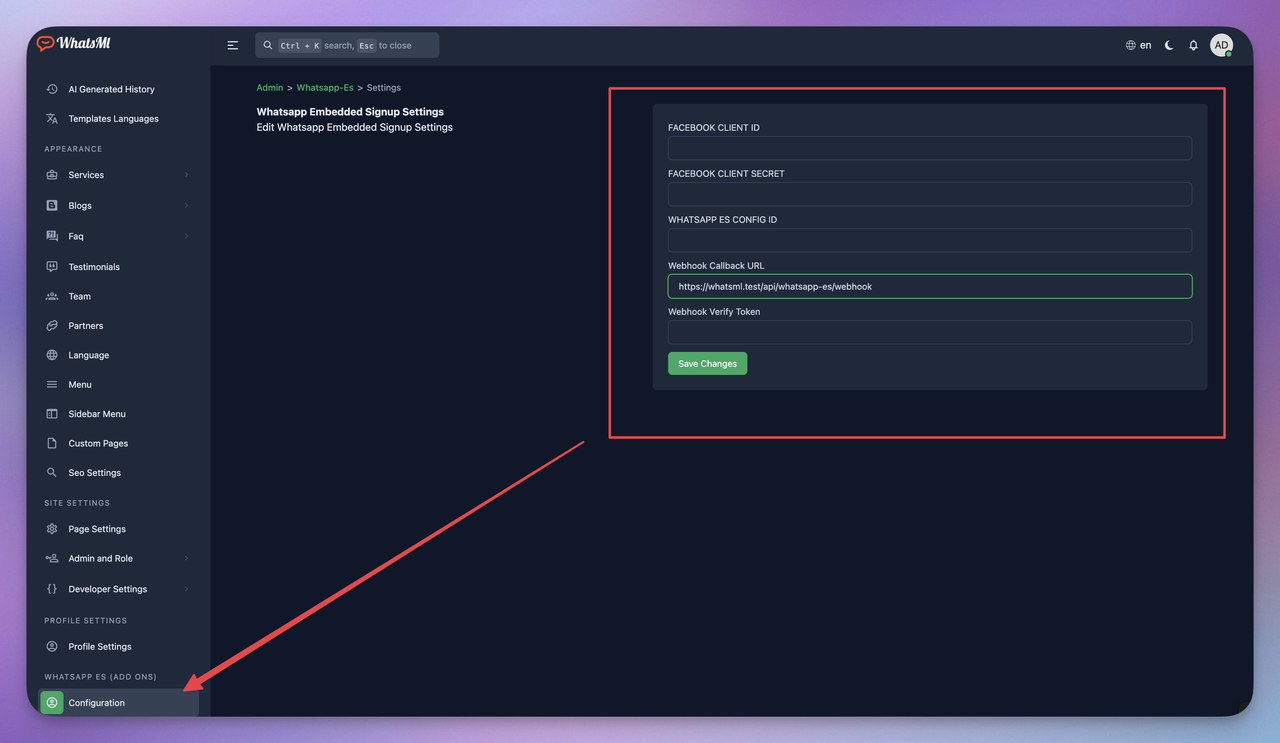
Download file from codecanyon and extract in your pc and you will get 2 file and folder. Listed below:
- Documentation
- WhatsappES.zip
Step 1:
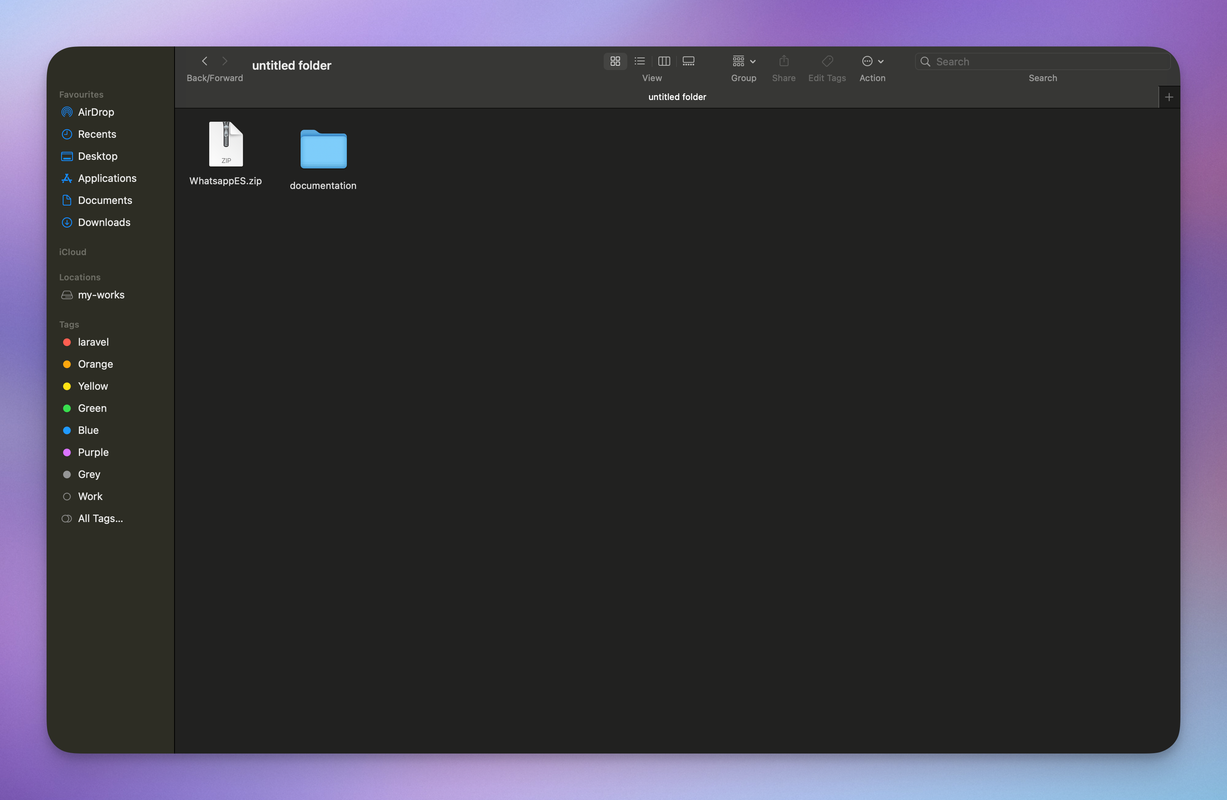
Download file from codecanyon and extract in your pc and you will get 02 folder. Listed below:
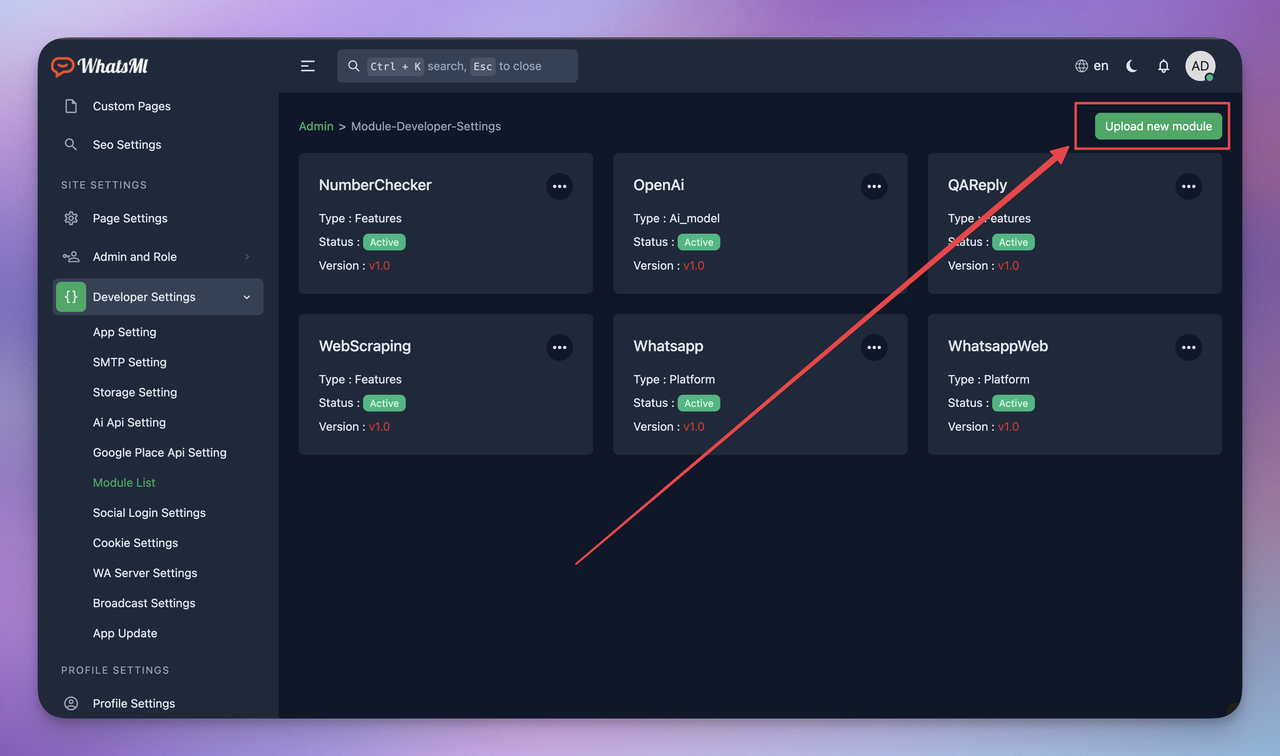
go to your socialai application -> admin end -> Developer Settings -> Module List -> Upload new module
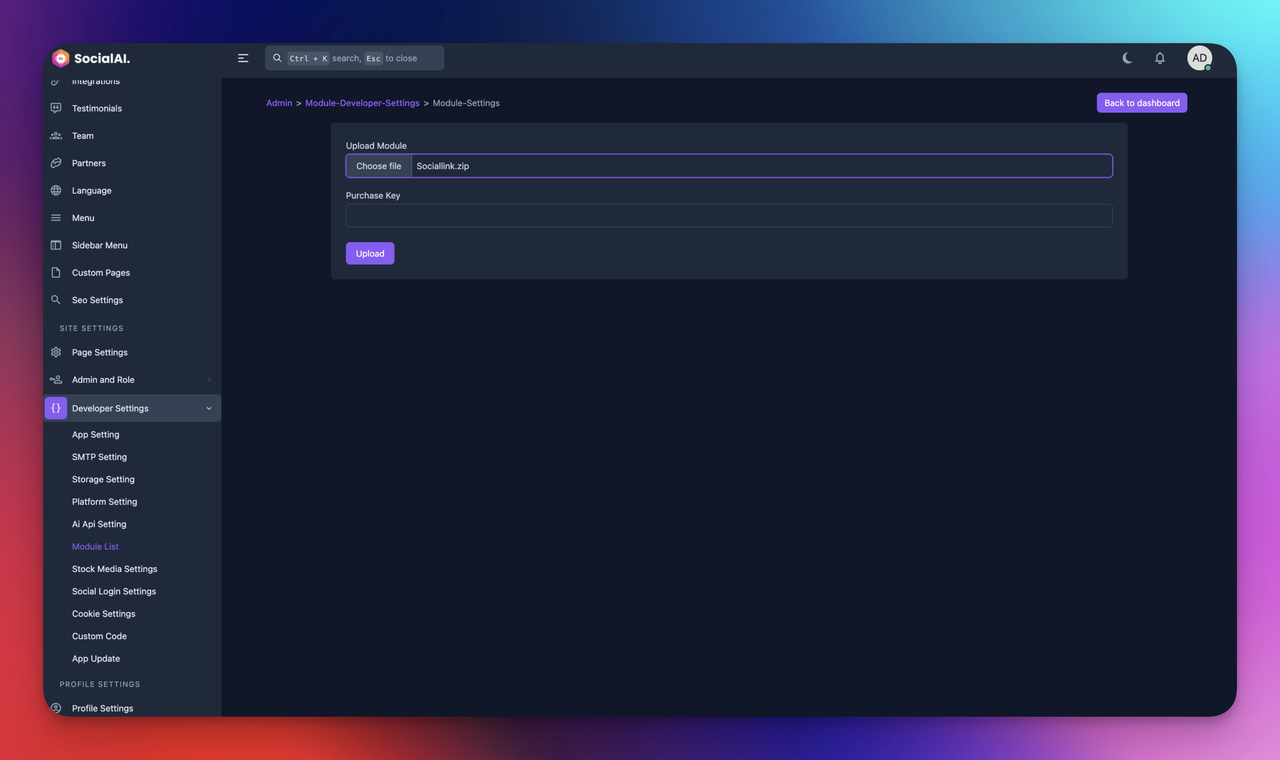
select the WhatsappES.zip and enter the purchase key
After successfully installation complete the modules will visible in module list page
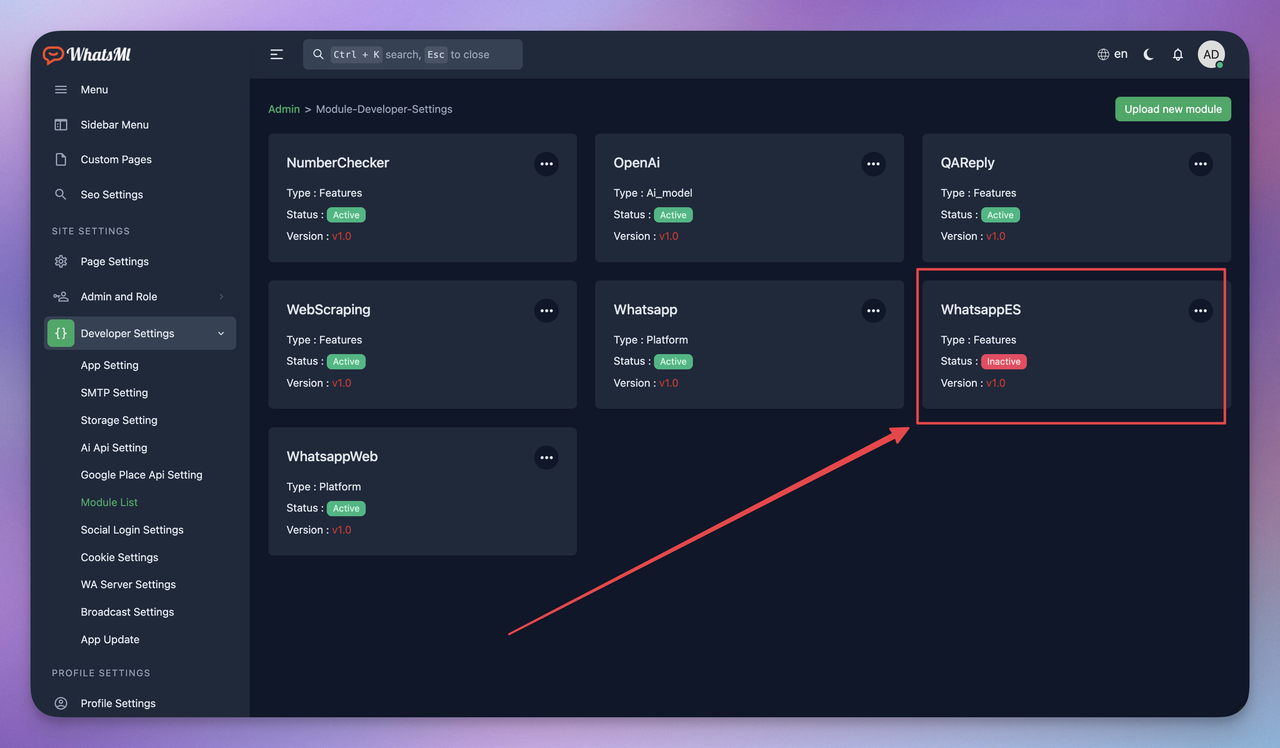
Activate the module
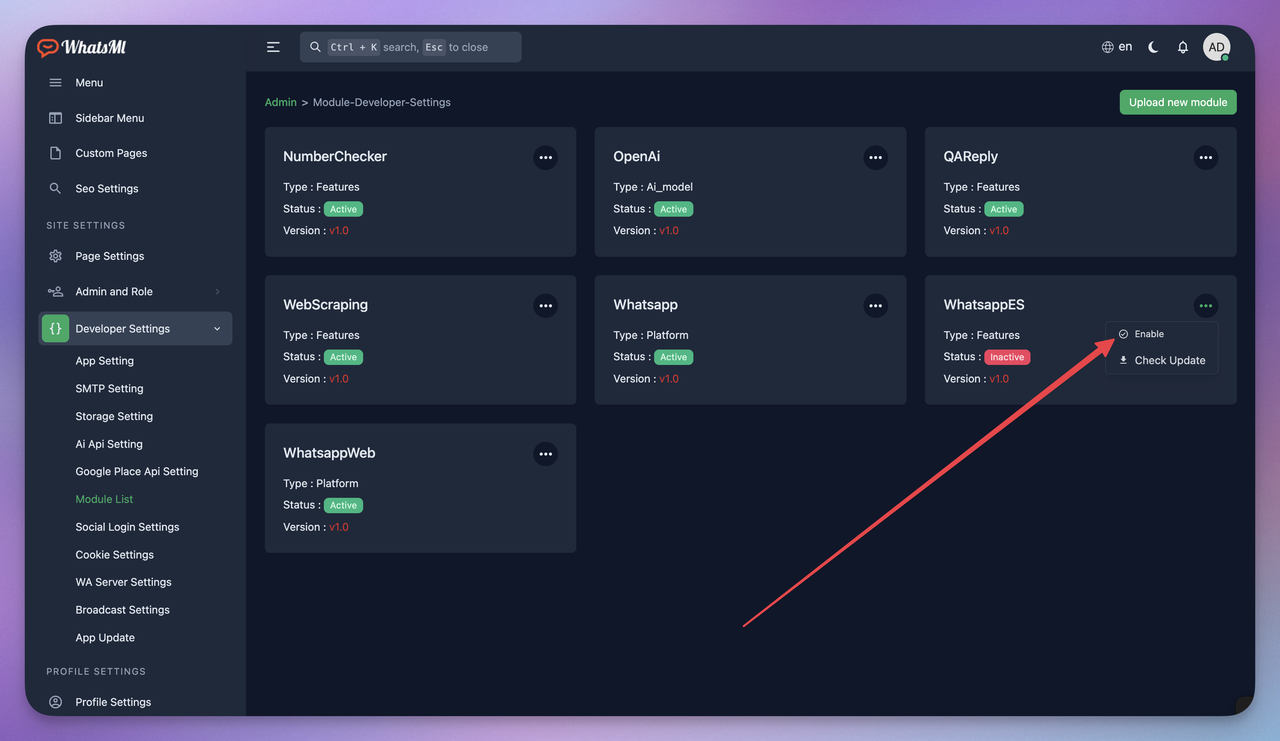
After Activate the module you can see the settings options in the side bar if you cant see that option wait 5 minutes for reseting the cache